Guide to Adding Textures - 10
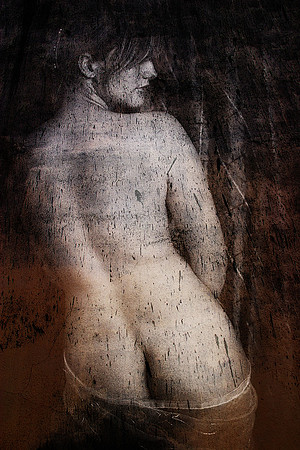
Here I simply duplicated the Soft Light layer used in Step 9. The Blend Mode is still set to Soft Light and the opacity is still 100%.
In the lower left of the image there is not enough contrast between the wall and the model’s back. I’ll fix this in Step 11.
© 2013, 2012 Studio Lavalette