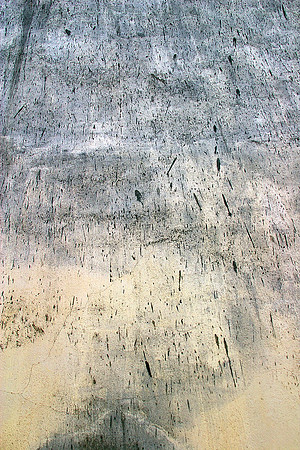
Guide to Adding Textures - 3
This type of image suffers from a rather uniform histogram, with a high concentration of a single colour. So, one of the first things I do is to apply an Adjustment Curve Layer to see what more I can get from the photograph. The image here in Step 3 shows the effect of hitting the Auto button in the Adjustment Curve Layer palette.
It’s not quite what I want as I’m looking for a more subtle background..so on to Step 4…